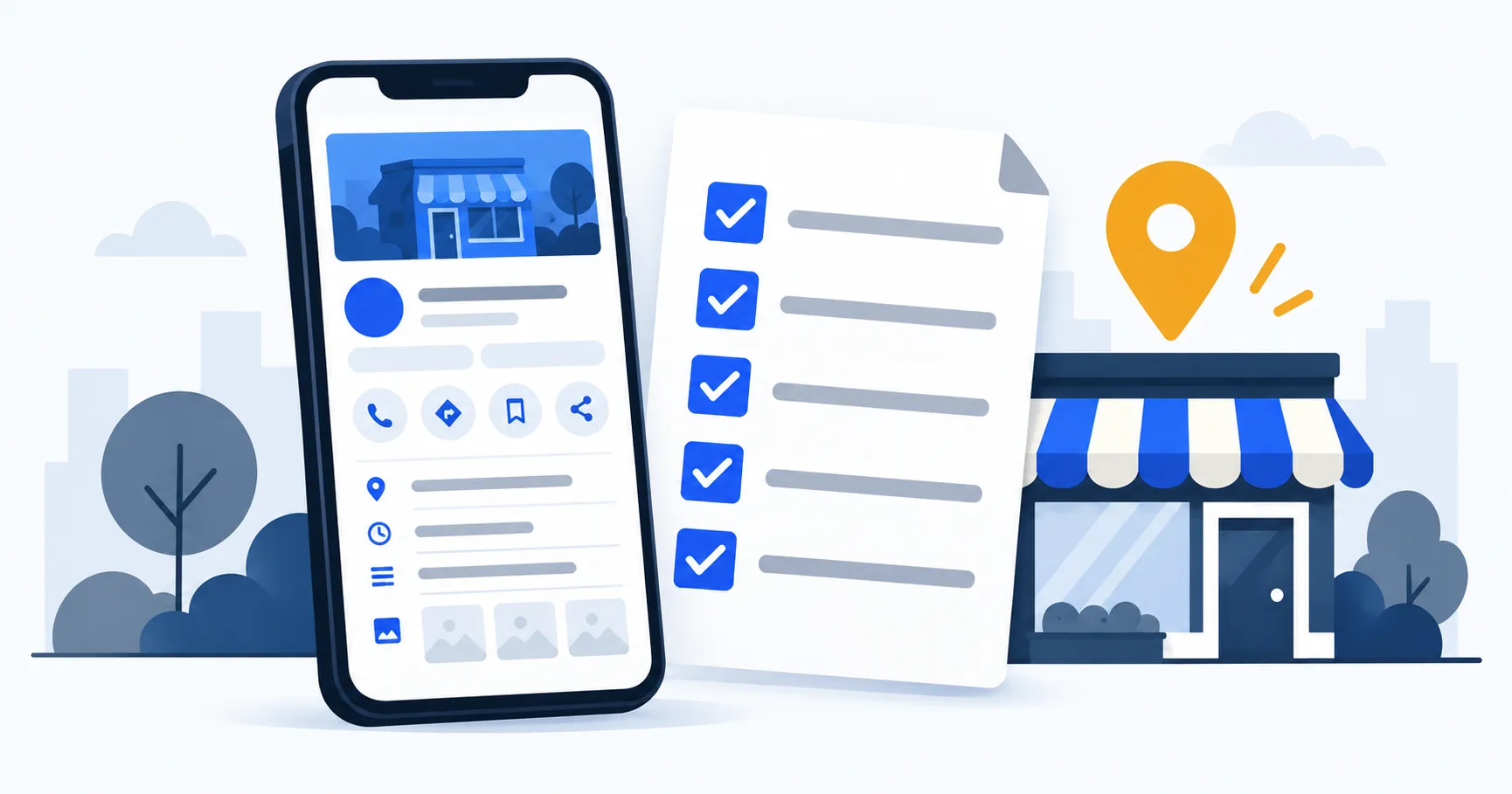
A Google Business Profile can help a nearby customer check what you do, where you work and how to contact you without first visiting your website. That makes accuracy more important than filling every available field.
This checklist is for a real South African service business reviewing a new or existing profile. It follows Google’s current Business Profile guidelines and keeps the profile tied to how the business actually operates.
1. Confirm that the business is eligible
Google Business Profiles are for businesses that make in-person contact with customers during their stated hours. An online-only business is not eligible just because it serves a local market.
Decide which of these describes the business:
- Storefront: customers can visit a real, staffed location with permanent signage.
- Service-area business: staff travel to customers, but customers are not served at the business address.
- Hybrid: customers can visit the staffed location and the business also travels to them.
A plumber working from home and visiting customers would normally use a service area and hide the residential address. A security company with a genuine staffed office that customers can visit may qualify to show that address. A virtual office or mailing address is not a substitute for an operating location.
2. Use the real business name
The profile name should match the name used on the business’s signage, website, invoices and other customer-facing material. Do not add suburbs, services or sales wording unless they are genuinely part of the business name.
For example, adding “Best Emergency Plumber Cape Town” to a profile when the registered and public-facing name is “ABC Plumbing” does not make the listing more accurate.
3. Check every visible detail
Review the profile as though you were a customer trying to contact the business today:
- Primary phone number connects to the business.
- Website link opens the correct page and uses
https. - Opening hours match the hours customers can actually receive service.
- Special hours are updated for public holidays or temporary changes.
- Address is shown only when customers are served there.
- Service areas describe where the team genuinely travels.
- The business description states what the company does without promotions, links or unsupported claims.
South African service businesses should pay particular attention to public-holiday hours and to the difference between a base address and a service area. Listing Cape Town, Strand and Somerset West as service areas does not mean the business has a staffed location in each place.
4. Choose categories for what the business is
Google recommends using the fewest categories needed to describe the core business. Choose the most specific primary category that fits what the business is, then add secondary categories only for real parts of the operation.
Categories are not a keyword list. A plumber may offer leak detection and geyser repairs, but that does not justify adding unrelated categories. If no category describes a minor service exactly, explain that service in the services section or on the website instead.
5. Add services customers can recognise
List the services a customer would use when deciding whether to call. Use plain names and descriptions rather than repeating suburb names or promotional wording.
For a local trade business, useful service entries may separate emergency work from planned work. A plumber could list blocked drains, burst pipes, leak detection and geyser work when those are genuine services. The website should then explain the important services in enough detail to answer the next question.
Our plumber website checklist shows how the profile and website can support the same enquiry without copying the same paragraph everywhere.
6. Use real, useful photos
Add clear photos that help a customer understand the business: the actual storefront where relevant, branded vehicles, the team at work, equipment, and completed work that you have permission to show.
Avoid stock photos presented as your own work, screenshots with invented reviews, or heavily edited images that misrepresent the business. Check that old photos do not show a previous address, phone number or branding.
7. Review the review process
Make it easy for real customers to leave honest feedback after a completed job. Do not offer rewards for positive reviews, ask only happy customers, or arrange reviews that do not reflect a genuine experience.
Reply in a calm, specific way without sharing private customer or job information. A useful response acknowledges what the customer said and shows that the business reads its feedback; it does not need to repeat a sales pitch.
8. Connect the profile to a useful website page
The website link should take the customer to a page that confirms the business name, priority services, service area and contact options. Sending every visitor to a vague homepage can leave an important question unanswered.
Keep the name, phone number, address or service-area explanation and operating hours consistent. If the website says the company is in Strand while the profile shows a customer-facing office in central Cape Town, investigate the mismatch before doing more optimisation.
9. Check whether contact actions can be measured
At minimum, make sure calls, forms and WhatsApp links work on a phone. If tracking is configured, use a tagged website link so traffic from the profile can be separated from other sources in analytics.
Do not treat every click as a qualified enquiry. A website visit, phone-button tap and completed sale are different events. Decide which actions matter and check that the reporting labels them clearly.
Why might the business not show on Google Maps?
There is no single checklist item that guarantees a Maps position. Start with the basics:
- The profile is verified and not suspended or restricted.
- The business is eligible for a profile.
- The address or service-area setup reflects the real operation.
- The primary category matches the main business.
- There is not a duplicate profile for the same business or location.
- The profile and website details are accurate and consistent.
Fix factual or eligibility problems before adding more content. Google determines local results, so no agency can guarantee a particular position or number of enquiries.
Before giving someone access
Add an agency or staff member through the profile’s user or manager controls where available. Do not send a personal Google password by email or WhatsApp. Keep the business owner account under the business’s control and remove access when it is no longer needed.
Record which location the person can edit and what they are allowed to change. For a business with two genuine locations, review each profile separately rather than assuming one update applies to both.
Decide whether you need profile management or wider local SEO
Shift Local’s Google Business Profile management is from R1,950 a month for one location: optimisation, up to 4 posts a month, review-link setup and reporting, with a three-month initial commitment, then 30 days’ written notice.
Local Growth (from R4,950 a month) adds on-page SEO for agreed website pages, basic technical SEO fixes and consistent business details across other listings.
Run the final phone test
Search for the business name on a phone, open the profile and test the path a customer would take. Confirm the correct phone rings, the website opens, directions are appropriate, hours are current and the services describe real work.
That final check often finds more useful problems than adding another paragraph to the profile.